- Home
- Genomes
- Genome Browser
- Tools
- Mirrors
- Downloads
- My Data
- Projects
- Help
- About Us


Genome Browser


The best way to share the URL of a Genome Browser display is with a Session link. Displays from copying and pasting the URL from the address bar can change over time, but session links remain constant indefinitely, making them suitable for publications as well. You can even customize the backend: https://genome.ucsc.edu/s/view/HappyNewYear
Feel free to contact us if you are interested in attending a workshop, or meeting someone from the team to collaborate, get help, or ask any questions at the meetings. See our Poster Gallery.

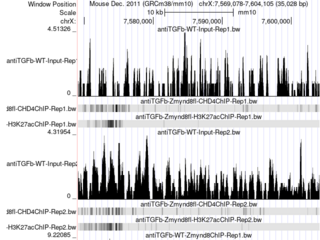
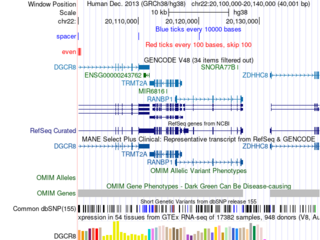
Click the images to explore the latest Public Sessions on our main site.
